



























WhatsApp commerce: use cases and key rules for eCommerce
WhatsApp commerce covers the whole shopping journey, from product discovery and direct sales to promotions, order updates, feedback, and repeat purchases. Here's how it works and how to use it within WhatsApp's rules.
What is WhatsApp commerce?
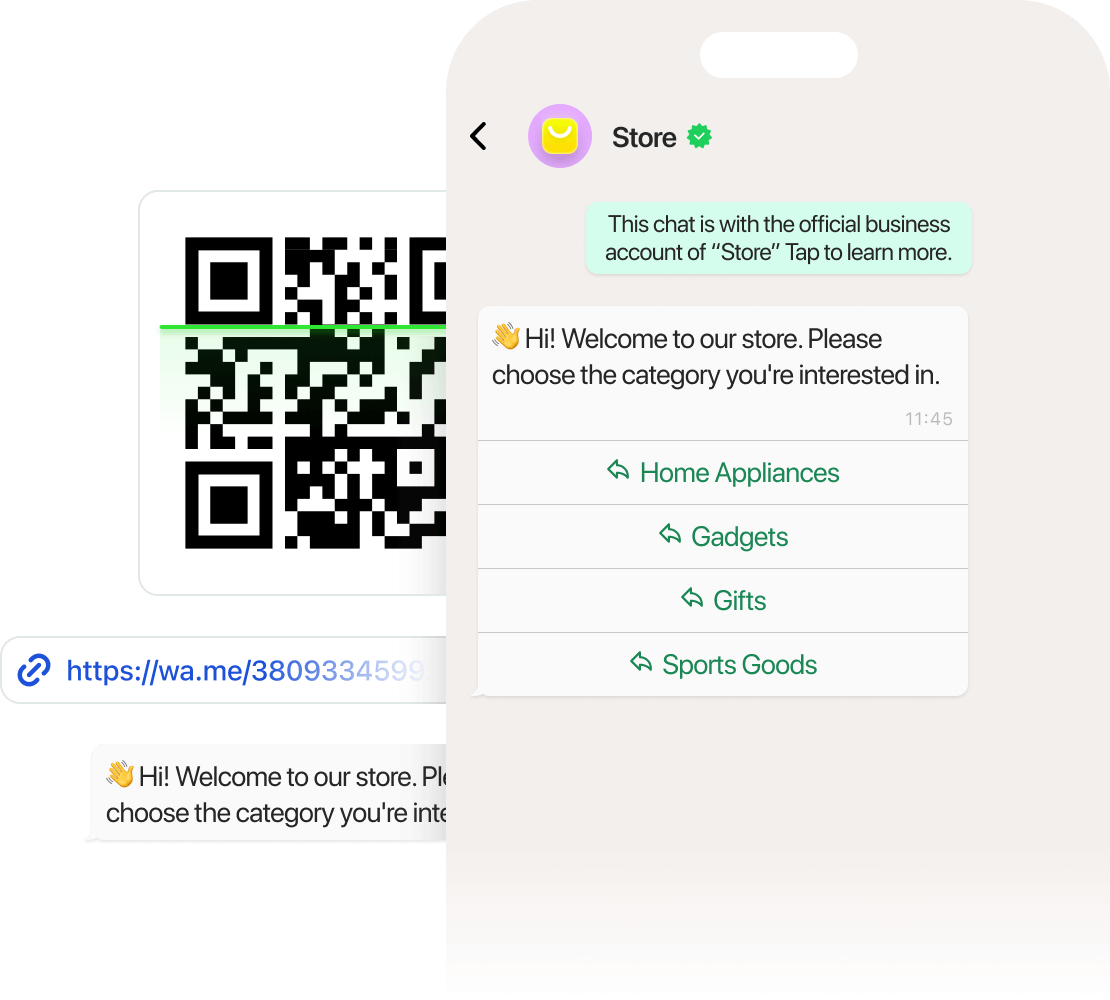
WhatsApp commerce is a way for businesses to showcase products, chat with shoppers, and sell through WhatsApp. Customers can browse products, ask questions, place orders, get updates, and keep talking to the business, all in one chat.
1. Sell directly and help shoppers choose products
What to do. Use WhatsApp conversations and product catalogs to help customers explore options, ask questions, and move toward a purchase.
When to use it. Shoppers need advice before buying or want to compare products, services, or packages.
How to use it:
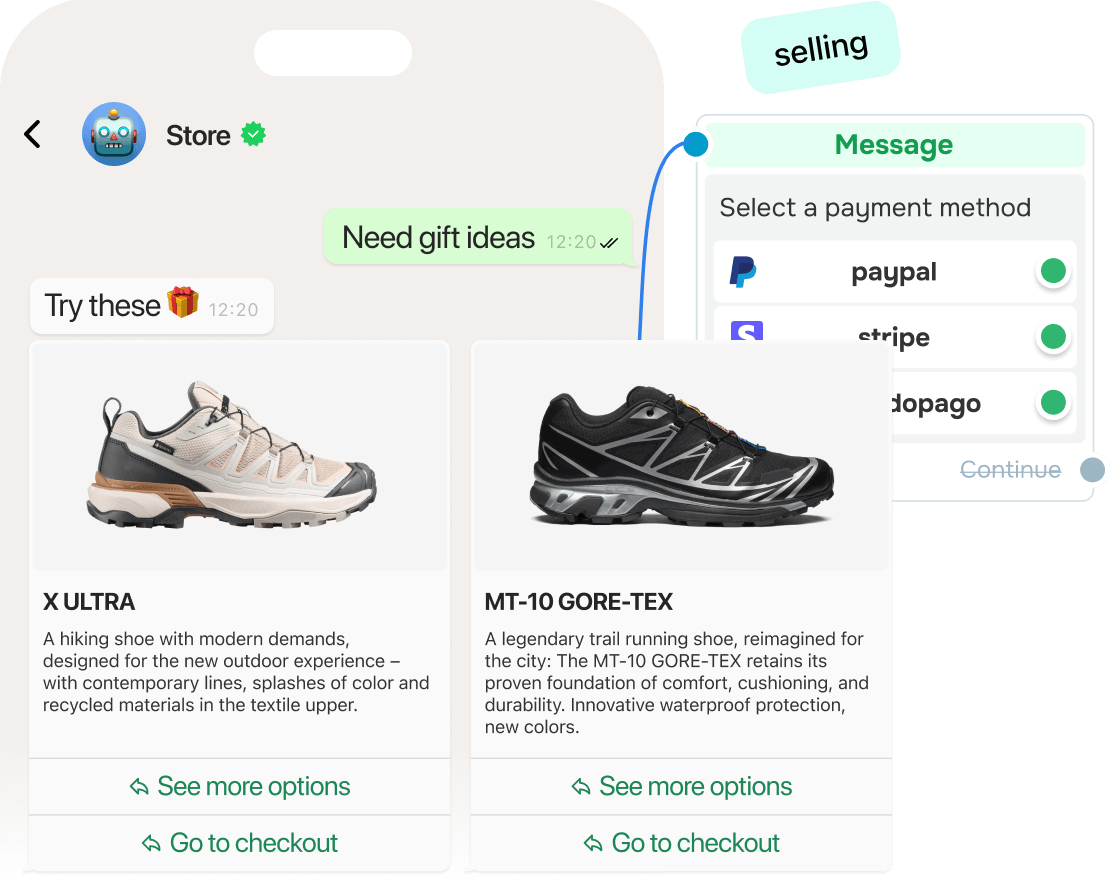
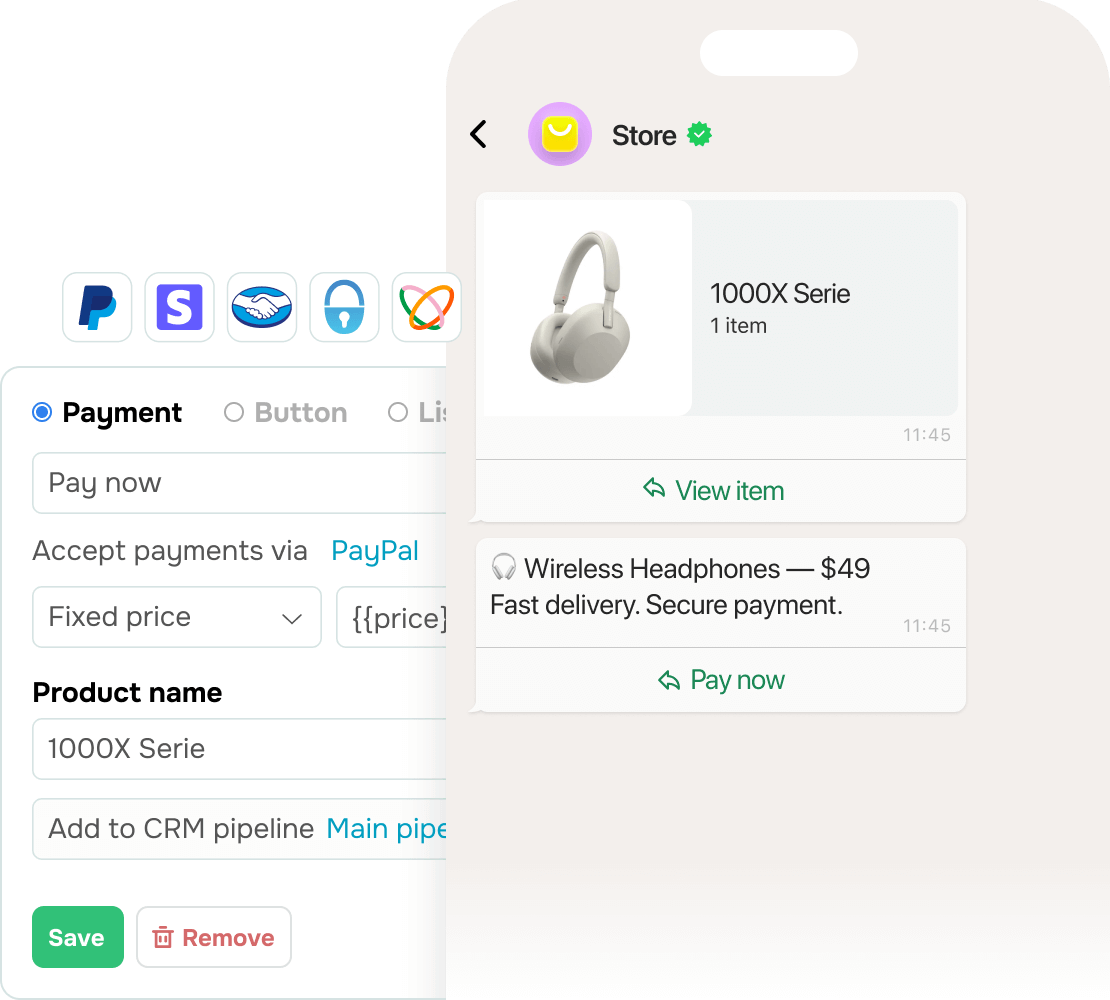
- Share products with photos, descriptions, and prices.
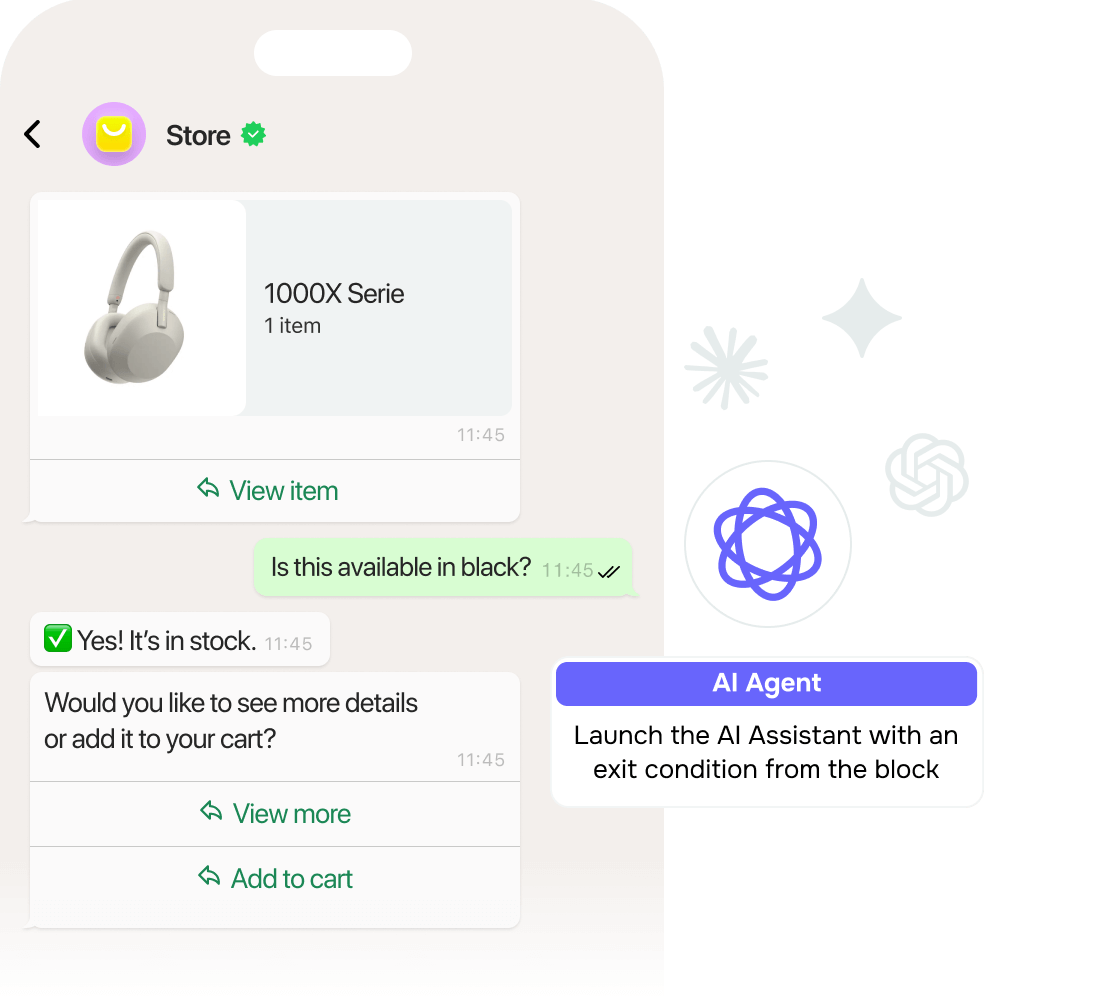
- Answer questions about specific items in the chat.
- Use customer preferences or previous purchases to suggest suitable options.
- Bring in a team member when the customer needs personal help before buying.
Example. An online furniture store shares sofas from its WhatsApp catalog with photos, sizes, and prices. Customers browse the options, ask about fabrics and delivery, and order the one that fits their space.
2. Run targeted campaigns and offers
What to do. Reach opted-in customers on WhatsApp with product launches and special offers.
When to use it. You want to bring subscribers back to your store or make offers more relevant to different customer groups.
How to use it:
- Give customers a clear reason to act, such as a new product or a limited-time discount.
- Group customers by activity, interests, preferences, or past interactions.
- Match each campaign to the audience most likely to care about the offer.
- Keep messages focused on one clear action.
Example. A skincare brand asks customers about their skin type and main concerns, then sends offers that match, such as hydrating products for dry skin.
3. Keep customers informed after purchase
What to do. Use WhatsApp to send order confirmations, delivery updates, and payment reminders, and to collect feedback after purchase.
When to use it. Customers need to know what is happening with their order, or you want to continue the conversation after the purchase.
How to use it:
- Confirm each order as soon as it's placed.
- Send delivery, pickup, or payment updates when the status changes.
- Ask for feedback after delivery or a support interaction, using a short message, review link, or simple survey.
- Use a short message, review link, or simple survey to collect responses.
Example. A retailer confirms each order on WhatsApp and sends a message when it's ready for pickup. After pickup, the customer gets a short feedback request in the same chat.
Key rules for using WhatsApp commerce
Do:
- Keep your WhatsApp Business profile accurate and up to date.
- Get clear consent before messaging customers first.
- Tell customers what kind of messages they are agreeing to receive.
- Respect opt-outs immediately.
- Protect customer information and use it only for its intended purpose.
- Check WhatsApp policies before promoting products in regulated industries.
- Watch complaints and opt-out trends for signs that you're messaging too often or sending the wrong offers.
Don’t:
- Send unexpected or irrelevant promotions.
- Use misleading business information.
- Promote prohibited goods or services on WhatsApp.
- Ignore applicable privacy, consumer protection, or marketing laws.



![How to Set Up WhatsApp Welcome Messages [Examples & Templates]](https://www.spcdn.org/blog/wp-content/uploads/2026/01/whatsapp-welcome-message-cover-255x167.png)



or