


























5 WhatsApp lead generation strategies to start more chats
WhatsApp lead generation works in two steps. First, you give people an easy way to start a chat with your business. Then your chatbot greets them, collects their details, and qualifies them. Here are five ways to start those chats and turn them into leads, plus the rules that keep leads from dropping off.
Why WhatsApp works for lead generation
- It feels personal. Every chat is one-on-one, so prospects talk to your business the same way they talk to friends. That builds trust faster than a form.
- Messages get seen. Your reply sits next to chats from friends and family, not in a promo folder.
- It's visual. Send photos, videos, and documents to present a product or explain an offer right in the chat.
- It's free to start. The SendPulse WhatsApp link generator, QR code generator, and WhatsApp widget cost nothing.
1. Launch a WhatsApp chatbot to capture and qualify leads
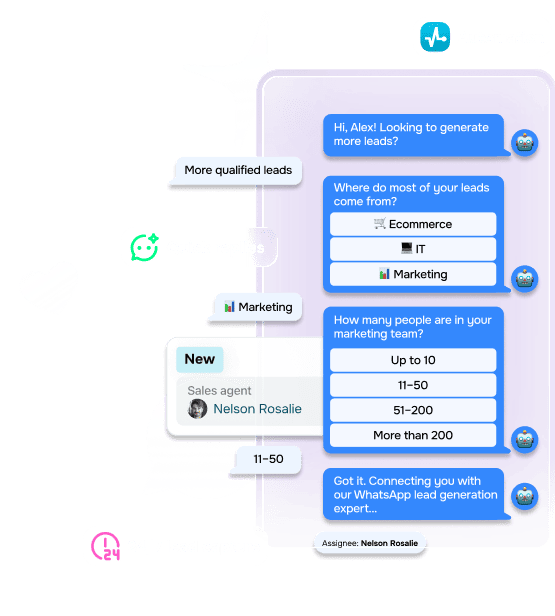
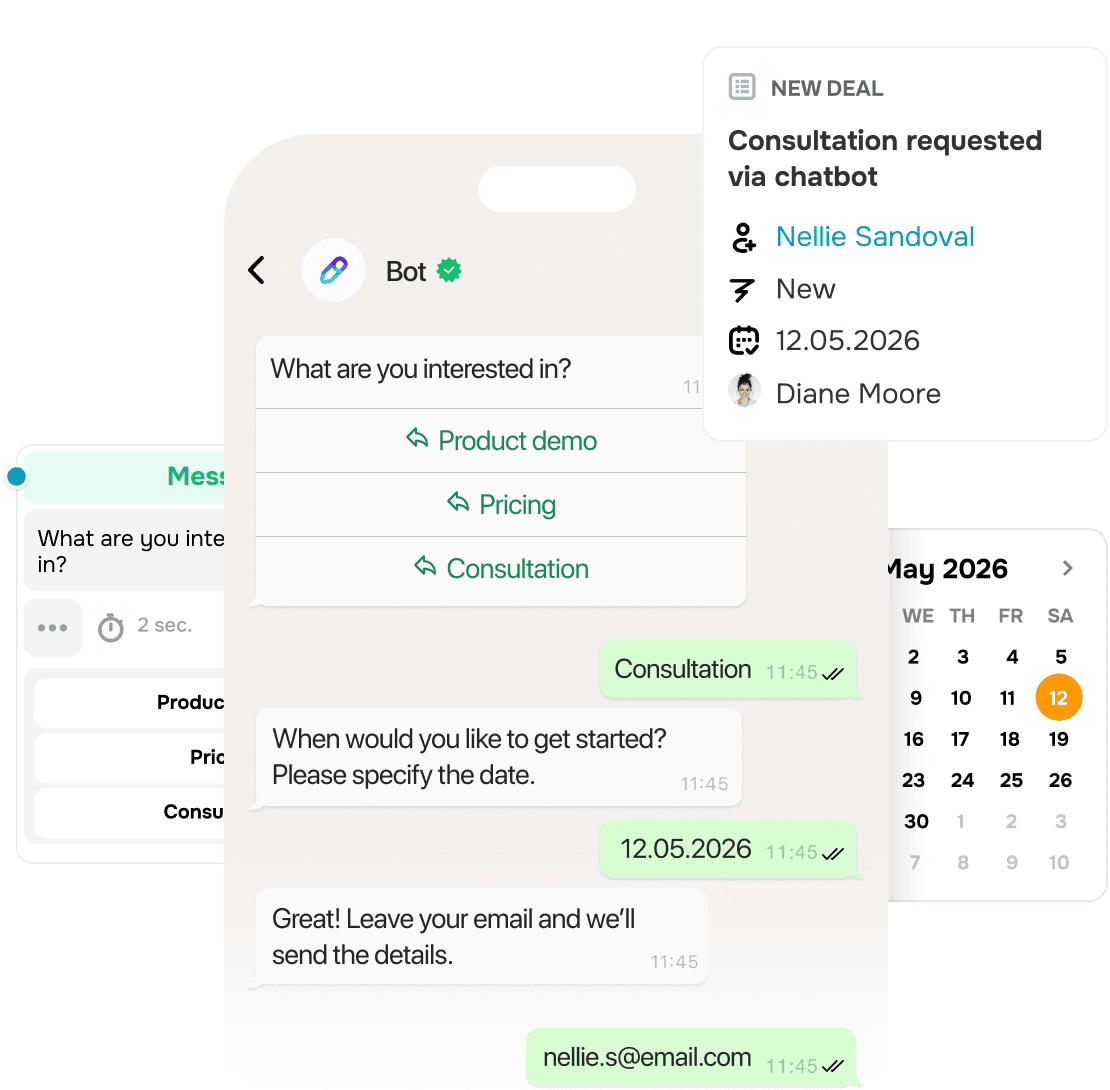
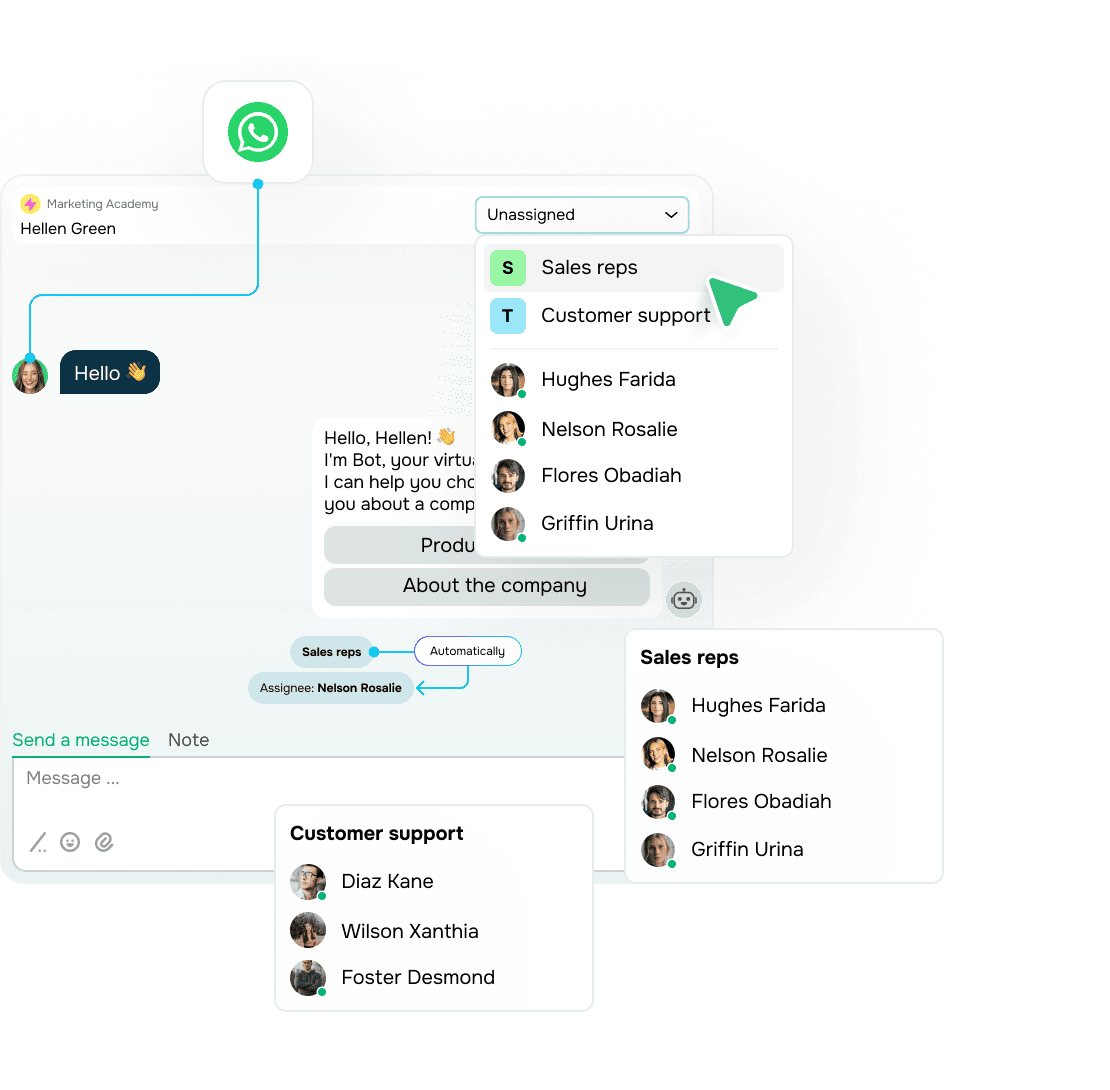
What it is. A chatbot replies the moment someone messages you, asks a few questions, and saves the answers to the contact's profile.
When to use it. Leads message you outside business hours, or your team spends hours answering the same basic questions.
How to set it up:
- Write a welcome message that tells people what they'll get from the chat.
- Offer buttons instead of open-ended questions. People tap faster than they type.
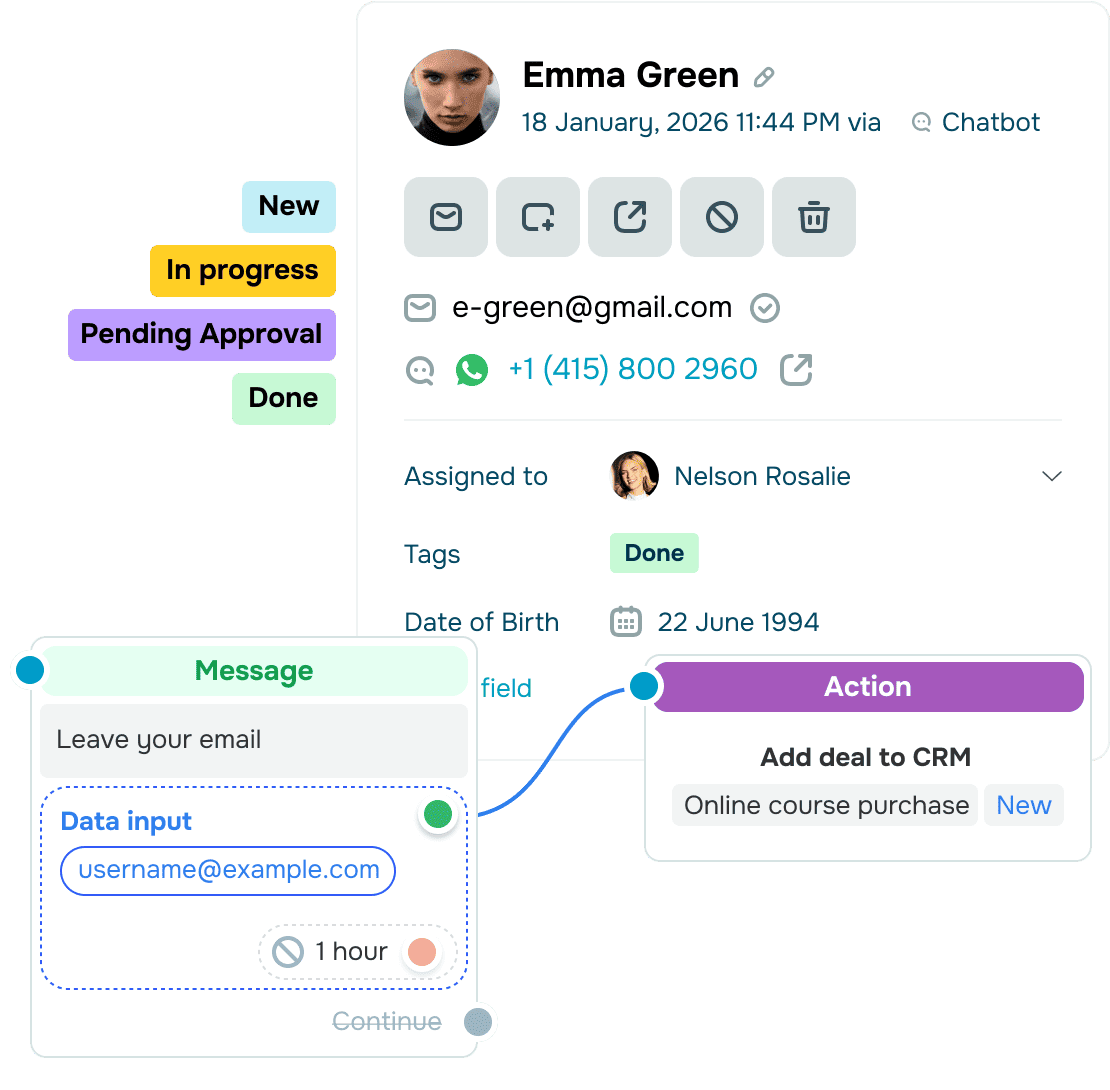
- Ask 2–4 questions that show who's ready to buy, such as goal, budget, and timing. Then ask for anything else you need, like a name or email.
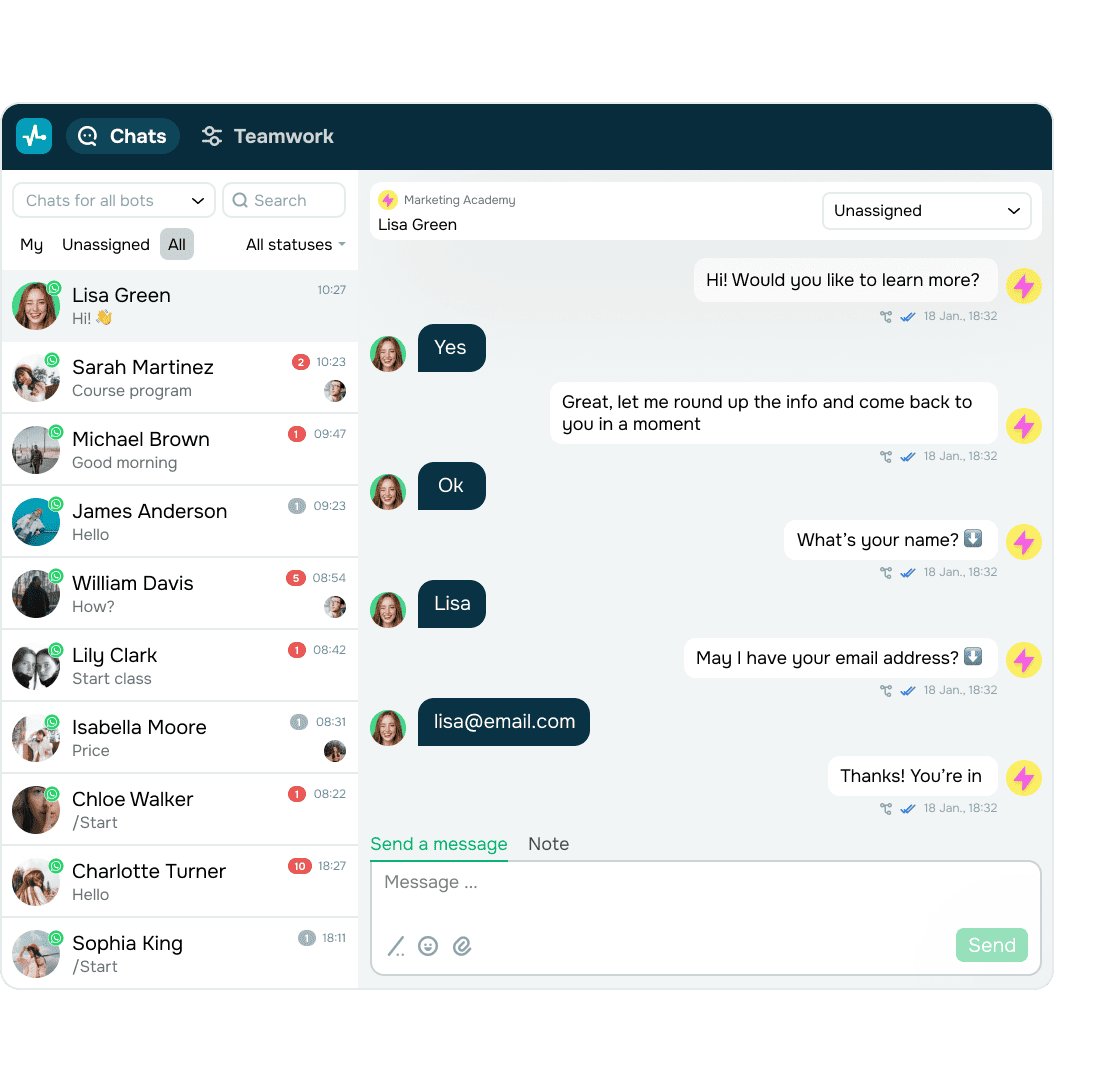
- Route qualified leads to the right teammate and your CRM. Tag the rest for follow-ups.
- Review conversations regularly and fix the steps where people drop off.
Example. A fitness studio's chatbot asks about goals, preferred time, and training type, then asks for the person's name and email. The agent gets a qualified lead and sends a membership offer that fits. If someone stops halfway, the chatbot follows up later.
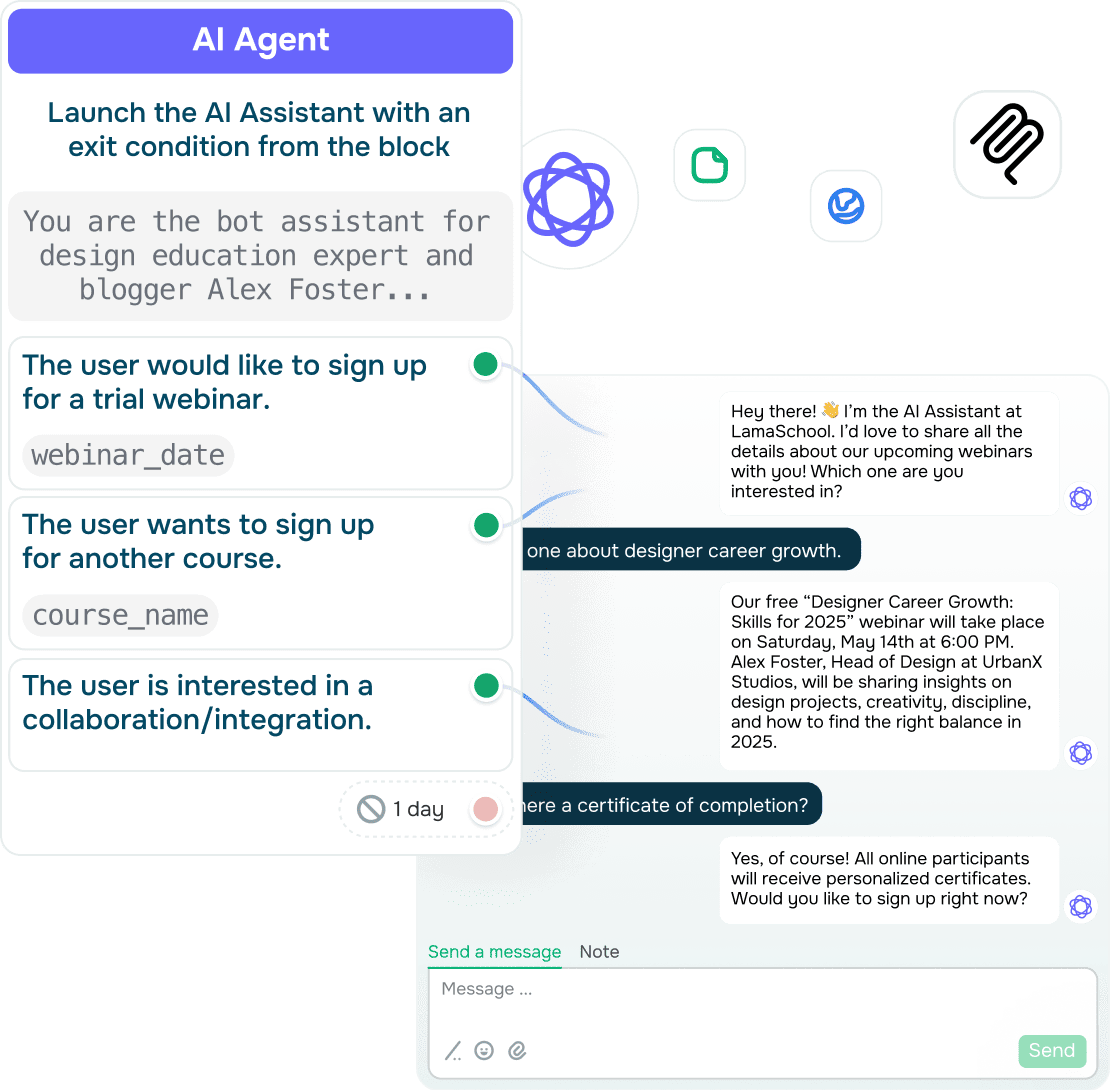
Example. A study-abroad agency's chatbot asks visitors to pick a language and a topic. It answers common questions on its own and passes complex requests to a consultant.
2. Add a WhatsApp widget to your website
What it is. A chat button on your site that opens WhatsApp in one click.
When to use it. Visitors have questions before they buy, such as sizes, delivery, or prices, and leave if they can't get a quick answer.
How to set it up:
- Pick a format: button, bar, floating, modal, or embedded.
- Match colors, icons, and position to your brand.
- Choose where and when it appears: on key pages like pricing, on scroll, or on exit intent.
- Copy the code snippet and add it to your site. No coding needed.
- Connect the widget to your chatbot so every chat starts with a greeting and qualifying questions.
Tip. The widget can pass UTM parameters and custom data, so your CRM shows where each lead came from.
Example. An online clothing store shows the widget on product pages. A visitor asks about sizing, the chatbot recommends a size and shares a discount code, and the visitor places an order instead of leaving.
3. Put WhatsApp QR codes on offline materials
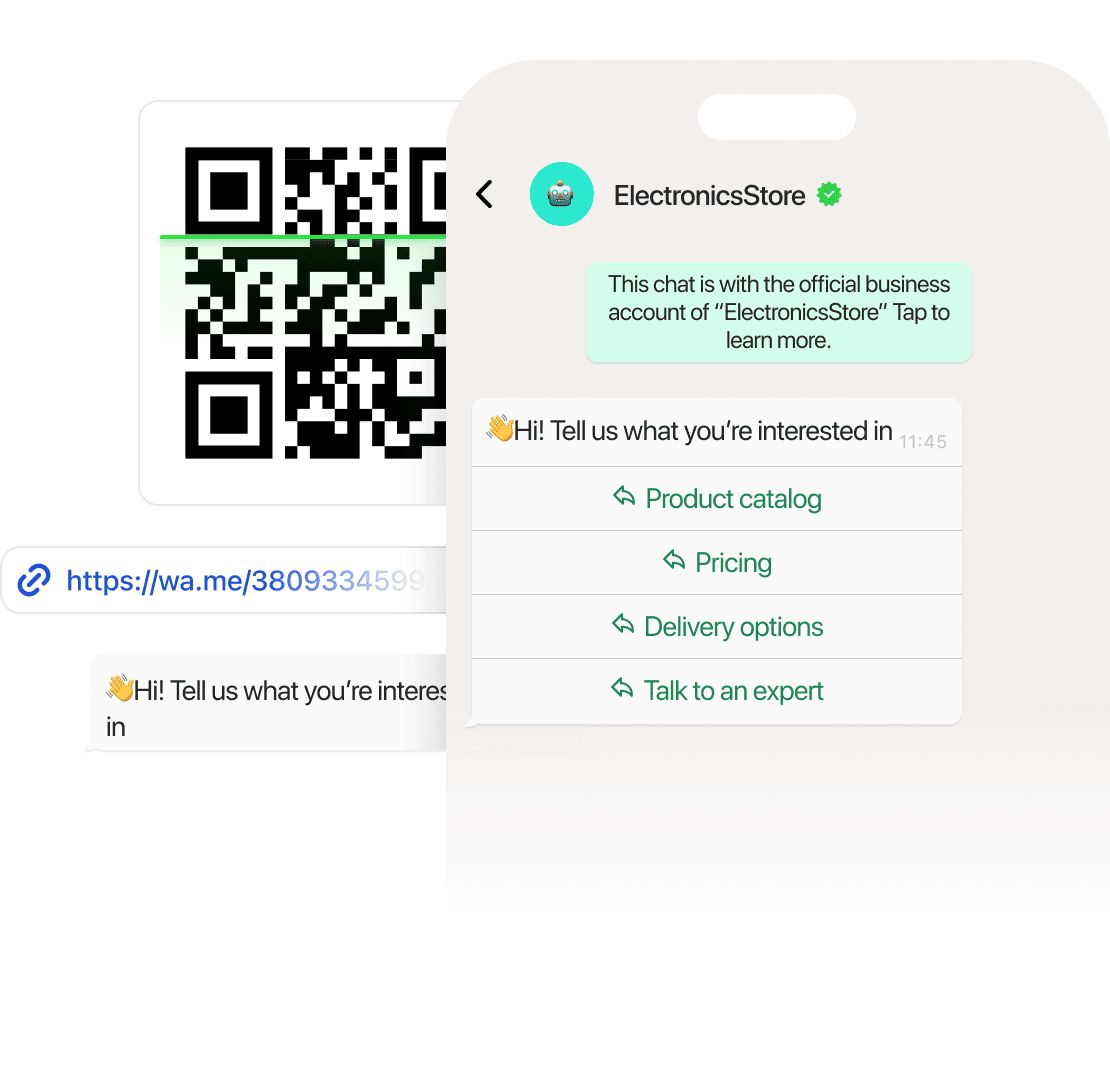
What it is. A QR code that people scan to open a chat with your business, with a message already typed in.
When to use it. Customers find you offline: in a store, at an event, or on packaging, menus, flyers, and business cards.
How to set it up:
- Write a pre-filled message of up to 80 characters that names the offer, for example, "I'd like my 10% discount."
- Generate the code. It's free and needs no registration.
- Use a different pre-filled message for each location or material, so you know where every chat came from.
- Connect the code to a chatbot flow in SendPulse so the chatbot replies as soon as the message arrives.
Example. A restaurant prints QR codes on its menus. Guests scan to book a table, ask about today's specials, or get the menu in their language.
Example. A coffee chain prints a QR code on its cups that invites people to join its loyalty program right in the chatbot.
4. Run click-to-WhatsApp ads
What it is. Facebook and Instagram ads with a button that opens a WhatsApp chat with your business.
When to use it. You need a steady flow of new leads and already advertise on Meta or plan to.
How to set it up:
- Target by location and demographics, and use lookalike audiences to reach people similar to your best customers.
- Put your value proposition in the ad: what people get when they message you.
- Link a chatbot flow to the ad so every new conversation starts automatically with the right questions.
- Track which campaign, ad, and offer brought each lead, and compare cost per lead and return on ad spend (ROAS) for each ad.
Tip. When someone messages you from a click-to-WhatsApp ad and you reply within 24 hours, you get a 72-hour window of free messaging. Plan your follow-ups inside that window.
Example. A travel agency promotes vacation packages. People tap the button to ask about dates and prices. The chatbot sends details, suggests optional tours, and hands ready buyers to an agent.
Example. A kitchen manufacturer runs a giveaway ad on Instagram and invites participants to sign up for its WhatsApp updates.
5. Share WhatsApp chat links
What it is. A link that opens a chat with your business, with a message already typed in.
Where to use it. Anywhere people can click your link: in an Instagram bio, email campaign, landing page, website button, or online ad.
How to set it up:
- Generate a link with a pre-filled message of up to 80 characters. It's free and needs no registration.
- Create a separate link for each channel with its own message, so you can see which one brings more chats.
- Place the link where people are ready to reach out: a "Get a quote" button, a bio, or an email signature.
Example. A freelance designer adds a WhatsApp link to their Instagram bio with the message "I'd like a quote for a logo." Every new client starts the chat with context already in place.
Example. A soccer academy adds a WhatsApp link to the "Join the academy" button on its website. Visitors start a chat and ask about schedules and fees right away.





or